Classic
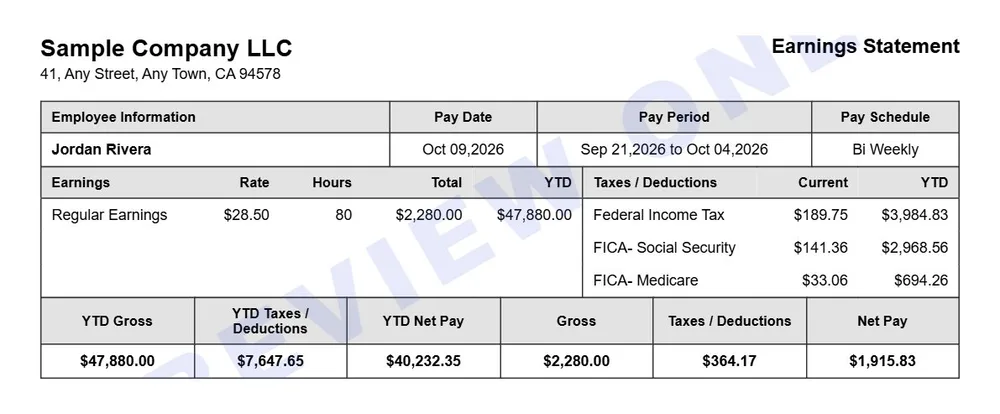
The original gridded earnings statement with a year-to-date summary band.
Best for: The familiar boxed statement most people picture when they think of a pay stub.
Use this template →10 professional pay stub templates — pick a layout, enter your pay details, and the taxes, totals and year-to-date figures fill themselves in.
Create Your Pay StubEach template below is shown with sample data. They all carry the same information — employer and employee, pay period and pay date, earnings, every tax and deduction, net pay and year-to-date totals — so the choice is only about how it looks. You can switch layouts at any point before you download. Looking for a file to fill in yourself? Jump to the blank Excel, Word and PDF templates.
The original gridded earnings statement with a year-to-date summary band.
Best for: The familiar boxed statement most people picture when they think of a pay stub.
Use this template →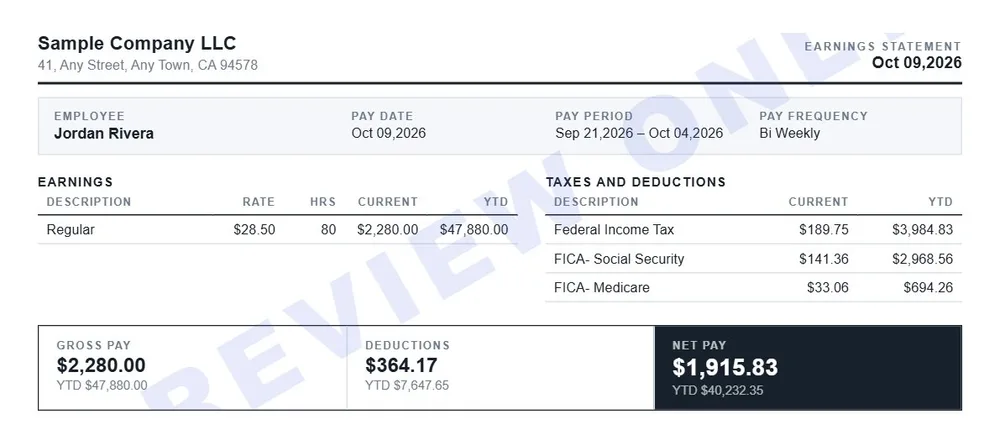
Classic's wide layout without the grid — light rules and three totals panels at the foot.
Best for: A cleaner take on Classic for anyone who finds grid lines busy.
Use this template →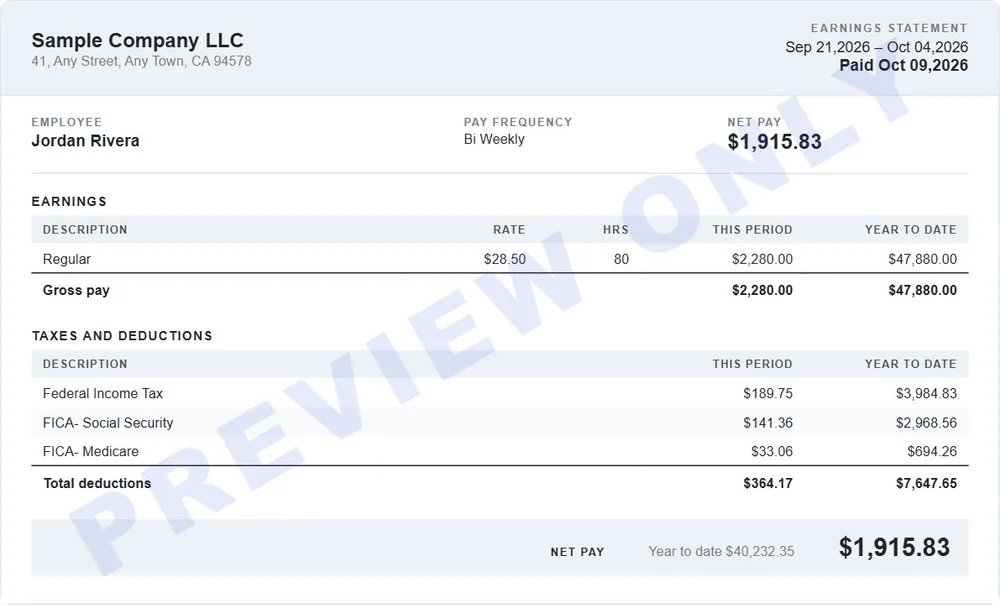
Wide statement with tinted alternating rows and the pay period in the header band.
Best for: Long lists of deductions — the tinted rows keep each line easy to follow across.
Use this template →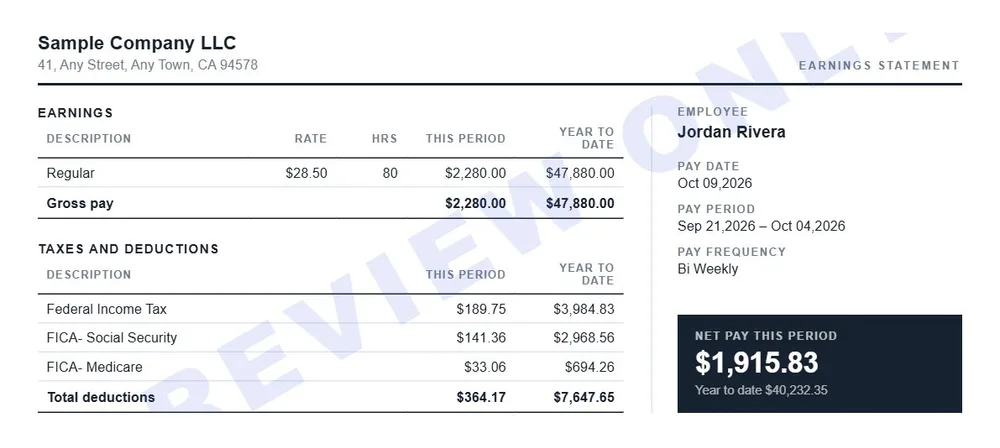
Wide layout with all figures in one column and employee, period and net pay in a sidebar.
Best for: Seeing who, when and how much at a glance, with the figures kept to one column.
Use this template →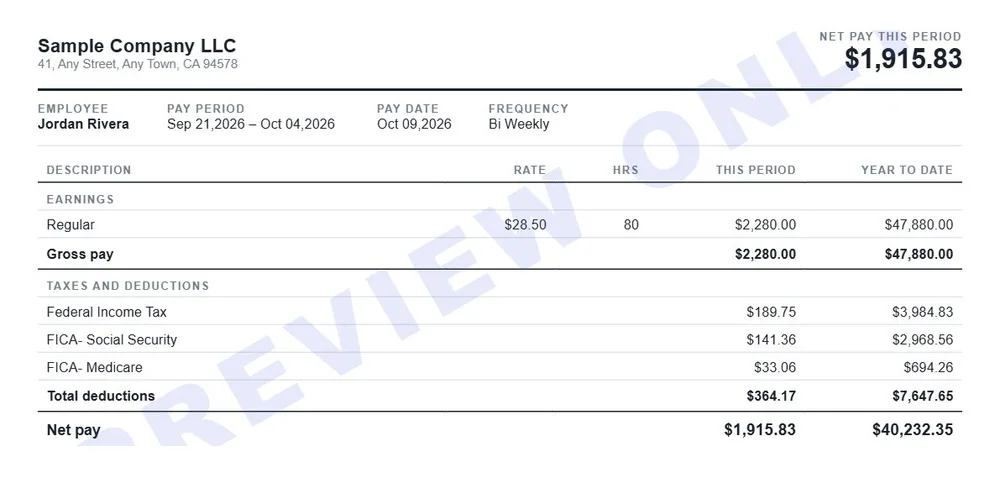
The shortest layout — net pay in the header and one table running earnings into deductions.
Best for: Short pay periods with few deductions, where a one-table stub is all you need.
Use this template →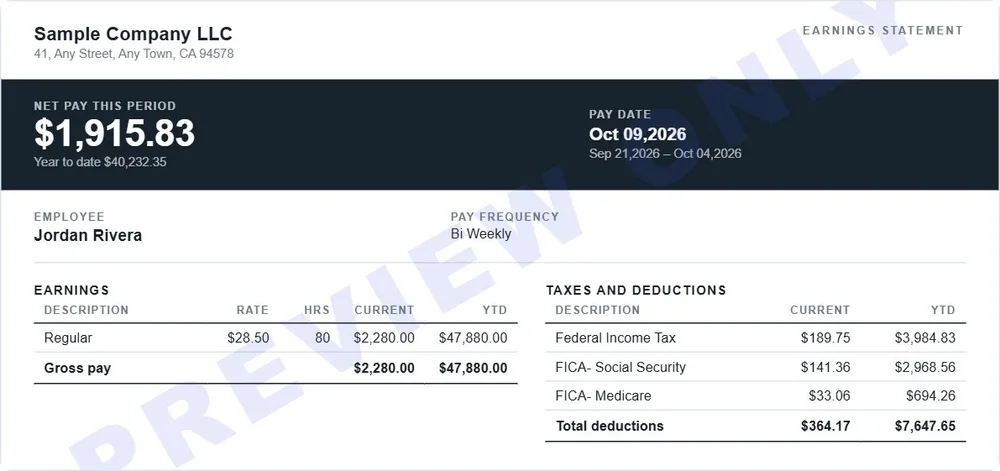
Net pay, pay date and the receiving account in a band at the top, detail underneath.
Best for: Direct deposit — net pay and the receiving account are the first thing on the page.
Use this template →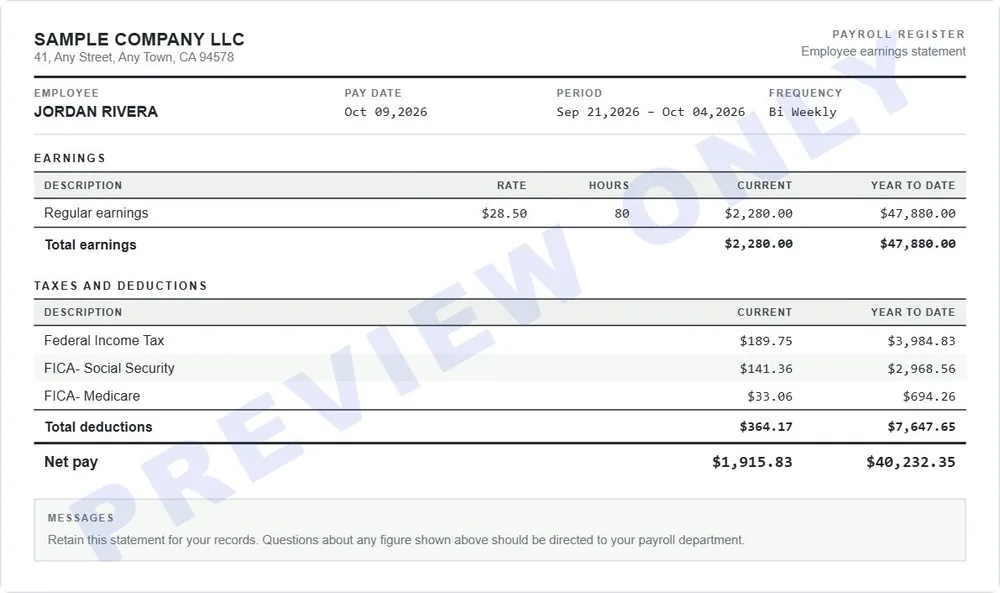
Payroll-system print-out — condensed banded rows, monospaced figures and a message block.
Best for: A stub that looks like it came straight out of a payroll system's printer.
Use this template →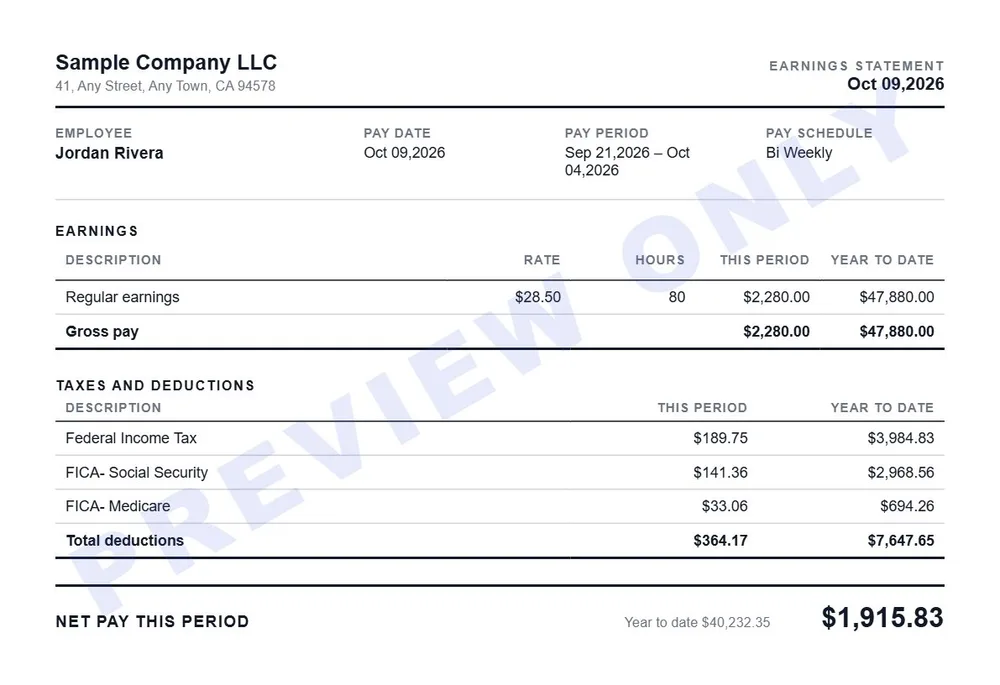
Hairline accounting sheet — ruled columns, no filled bands, figures in tabular numerals.
Best for: Bookkeeping-style records with ruled columns and aligned figures.
Use this template →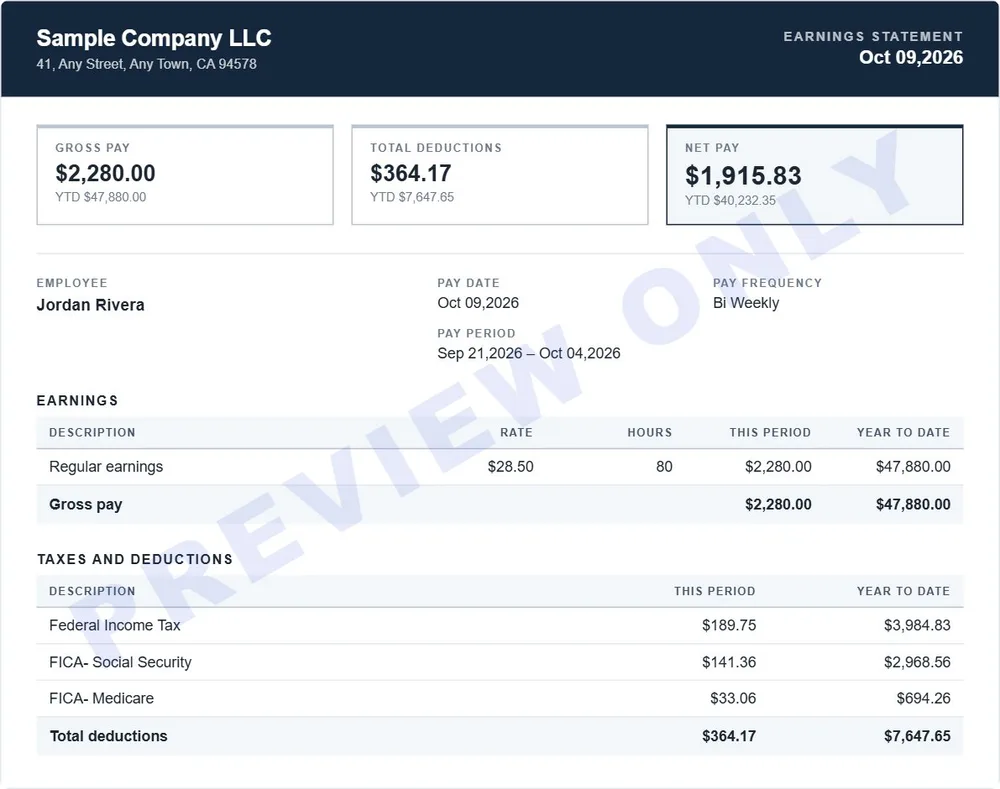
Dark masthead band over a white body, with gross, deductions and net summarised up front.
Best for: A formal look with a dark header and the totals summarized up front.
Use this template →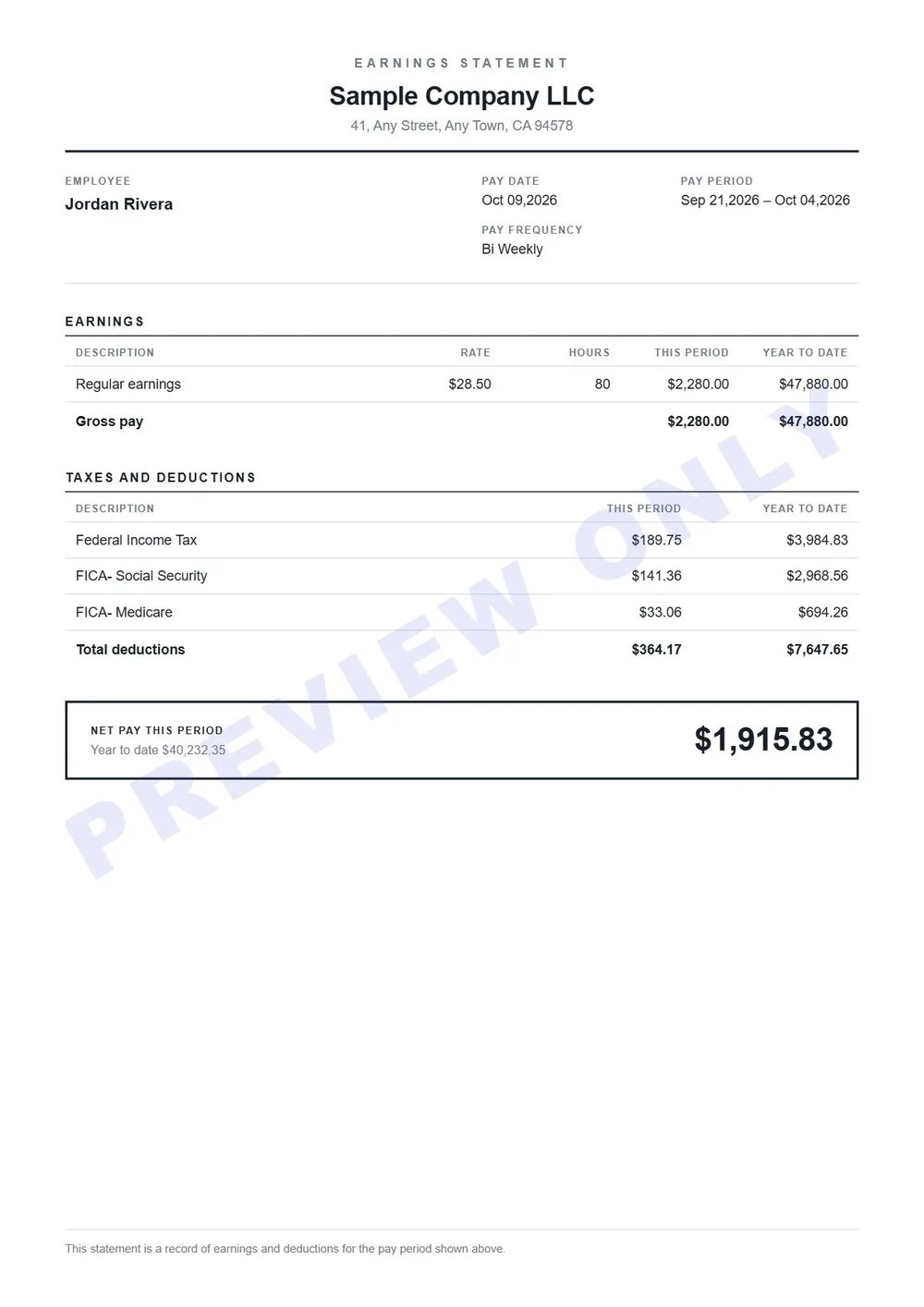
Full-page A4 portrait statement with every section stacked down one column.
Best for: Filing or printing on a full sheet, with every section stacked top to bottom.
Use this template →Prefer to fill one in yourself? These three blank pay stub templates are free to download, with no sign-up. The Excel one adds up as you type; Word and PDF are plain forms.
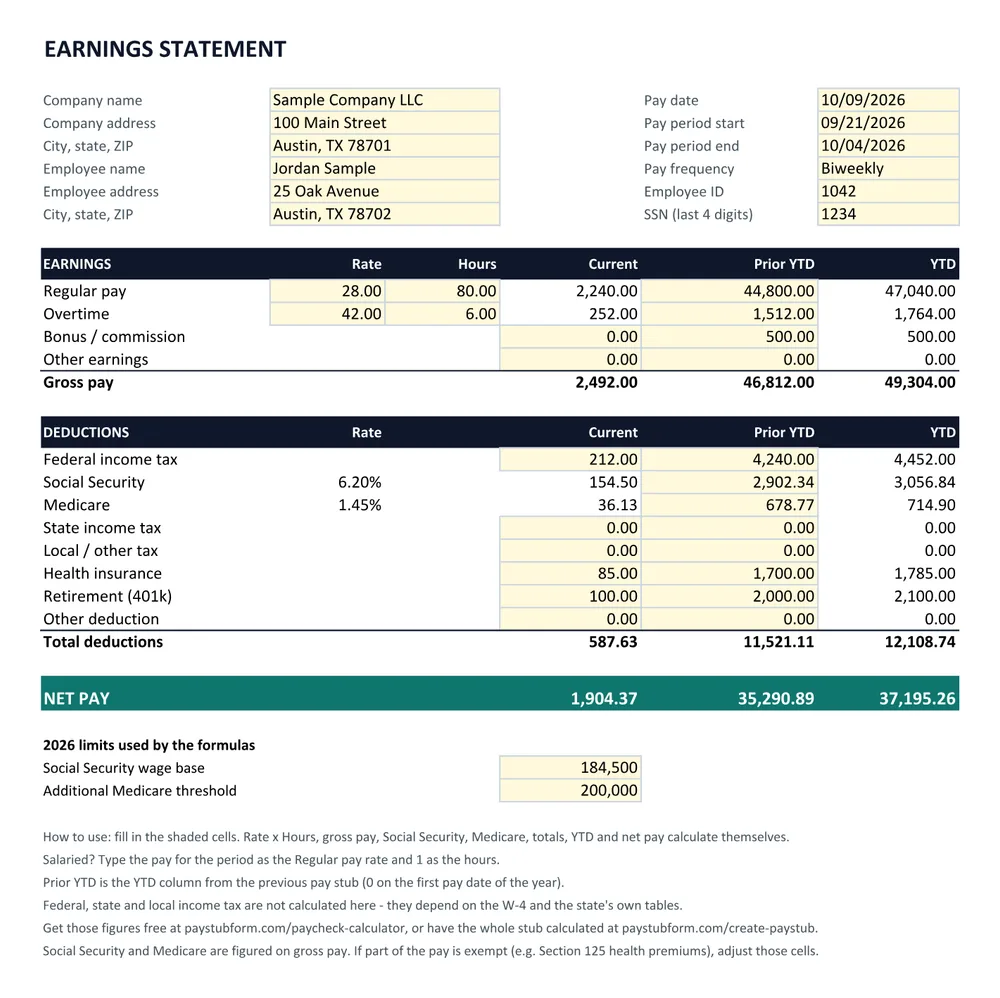
A workbook with formulas — gross pay, Social Security, Medicare, YTD and net pay work themselves out.
Download Excel workbook (.xlsx) ↓An editable document — type into the tables, change any label, add your logo.
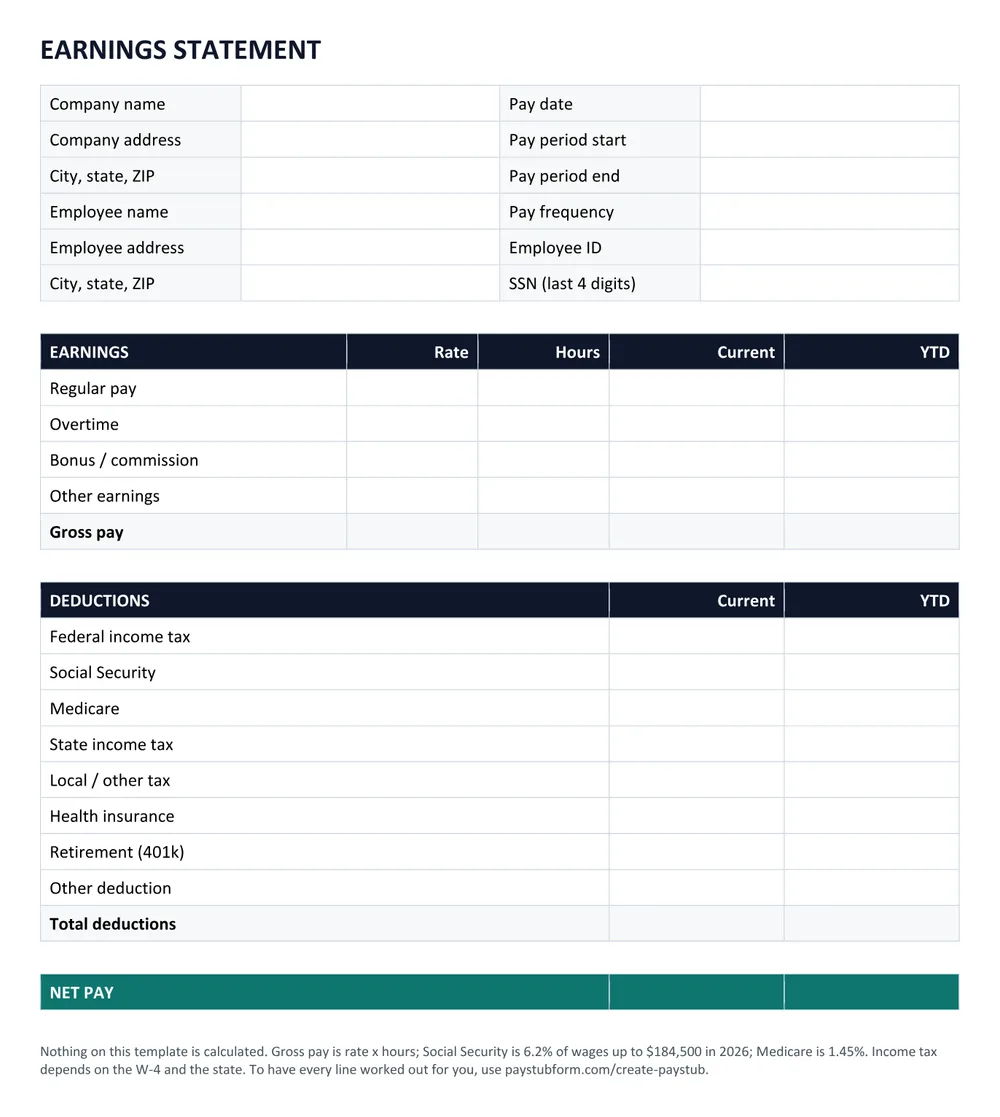
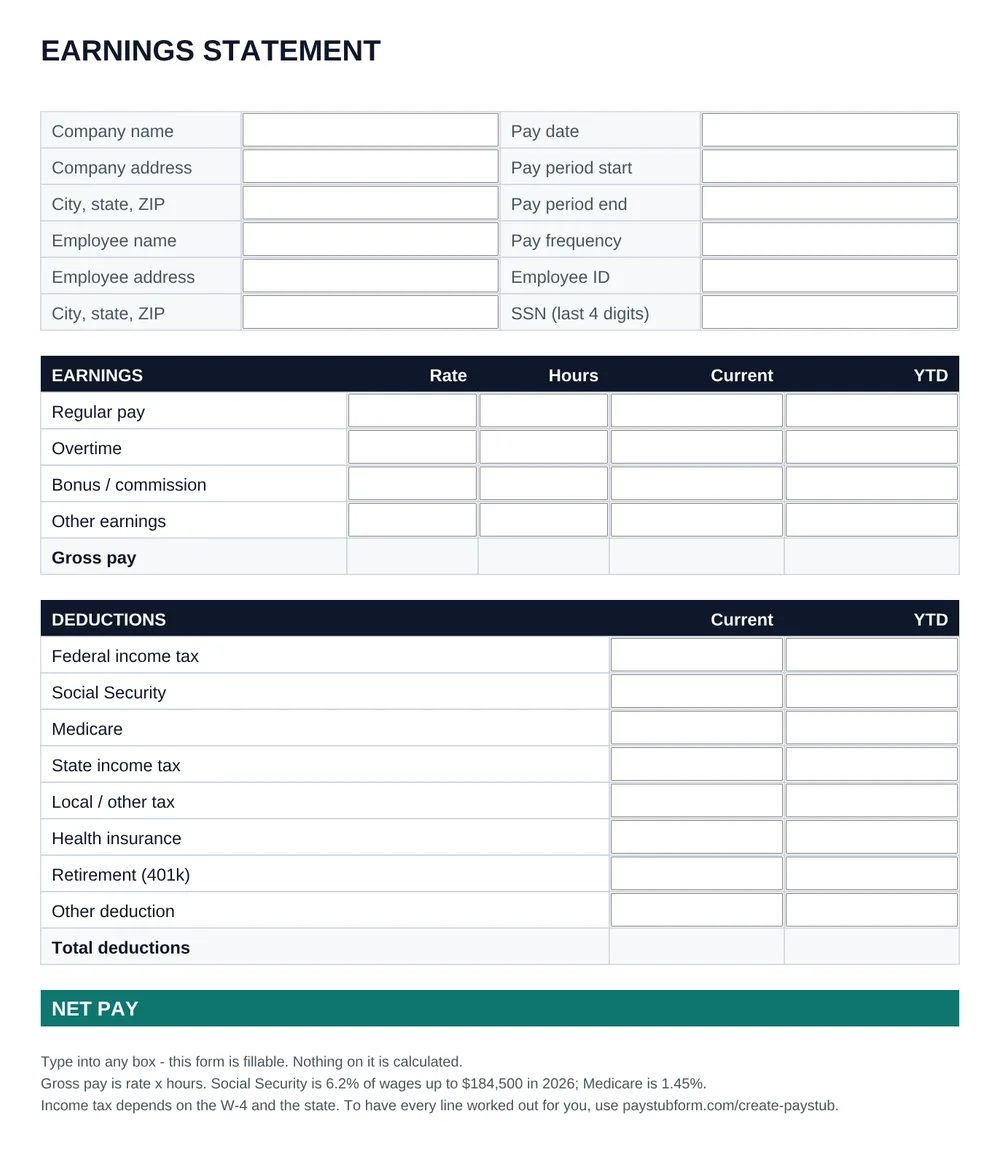
Download Word document (.docx) ↓A fillable form — type into the boxes in any PDF reader, or print it and write on it.
Download Fillable PDF ↓Whichever layout or file you use, a pay stub is complete when it shows these. Some states require more — the state requirements table lists them.
A blank pay stub template leaves every figure to you. These calculate federal income tax, Social Security and Medicare, and state income tax for all 50 states and D.C., and carry year-to-date totals forward across pay dates. Not sure what a line means? See the pay stub abbreviations guide and the pay stub example, or compare a free generator with a blank template.
What should a pay stub template include?
The employer and employee, the pay period and pay date, hours and rate (or salary), gross pay, every tax and deduction on its own line, net pay, and year-to-date totals. Many states set their own list of what a pay stub must show — see the state pay stub requirements for yours.
Are these pay stub templates free?
The blank Excel, Word and PDF templates are free to download with no sign-up. In the generator, your first pay stub is free in any of the 10 layouts and downloads without a watermark.
Can I download a blank pay stub template?
Yes. There are three: an Excel workbook with formulas for gross pay, Social Security, Medicare and net pay, an editable Word document, and a fillable PDF. Each one has its own page with the download and instructions.
Which pay stub template should I choose?
They all carry the same information, so pick by how it will be used: Classic or Modern for the familiar wide statement, Deposit if the pay goes to a bank account, Compact for a short stub with few deductions, and Portrait to file or print on a full sheet.
Can I change the template after entering my details?
Yes. The layout can be switched at any point before you download — nothing you typed is lost.
Do the templates work for contractors and the self-employed?
Yes. Choose Contractor in the generator and the stub shows what was paid without tax withholding lines, in any of the layouts. The blank templates work too — leave the tax lines empty or rename them.