Accurate pay stubs for every U.S. state
Enter your details, preview instantly, and download an accurate, IRS-aligned pay stub — one flat price, no subscription.
- IRS & SSA-aligned calculations
- No account needed
- All 50 states + DC
What is a Pay Stub?
A pay stub — also called a paycheck stub or check stub — itemizes an employee's or contractor's pay for a given period: gross wages, tax withholdings, deductions, and net pay. Paystub Form generates yours online in minutes. Enter your company and salary details once, and our calculator handles federal, state, and FICA tax math automatically — accurate, professional, and ready to use.
How Does Paystub Form Work?
Add your info
Enter your company, employee, and pay details in our secure, guided form — no account required to get started.
Preview your pay stub
Review the calculated taxes and totals, and make any edits before you check out.
Download your PDF
Pay once, then download your ready-to-use pay stub instantly — and get a copy sent to your inbox.
Watch how it works in 30 seconds
From company details to a print-ready PDF, with federal, state and FICA taxes calculated for you.
Built for every kind of pay
Why choose Paystub Form?
Real tax logic, not a flat guess
Every state has its own withholding rules — and some have extra payroll taxes on top. We calculate yours automatically, wherever you're based.
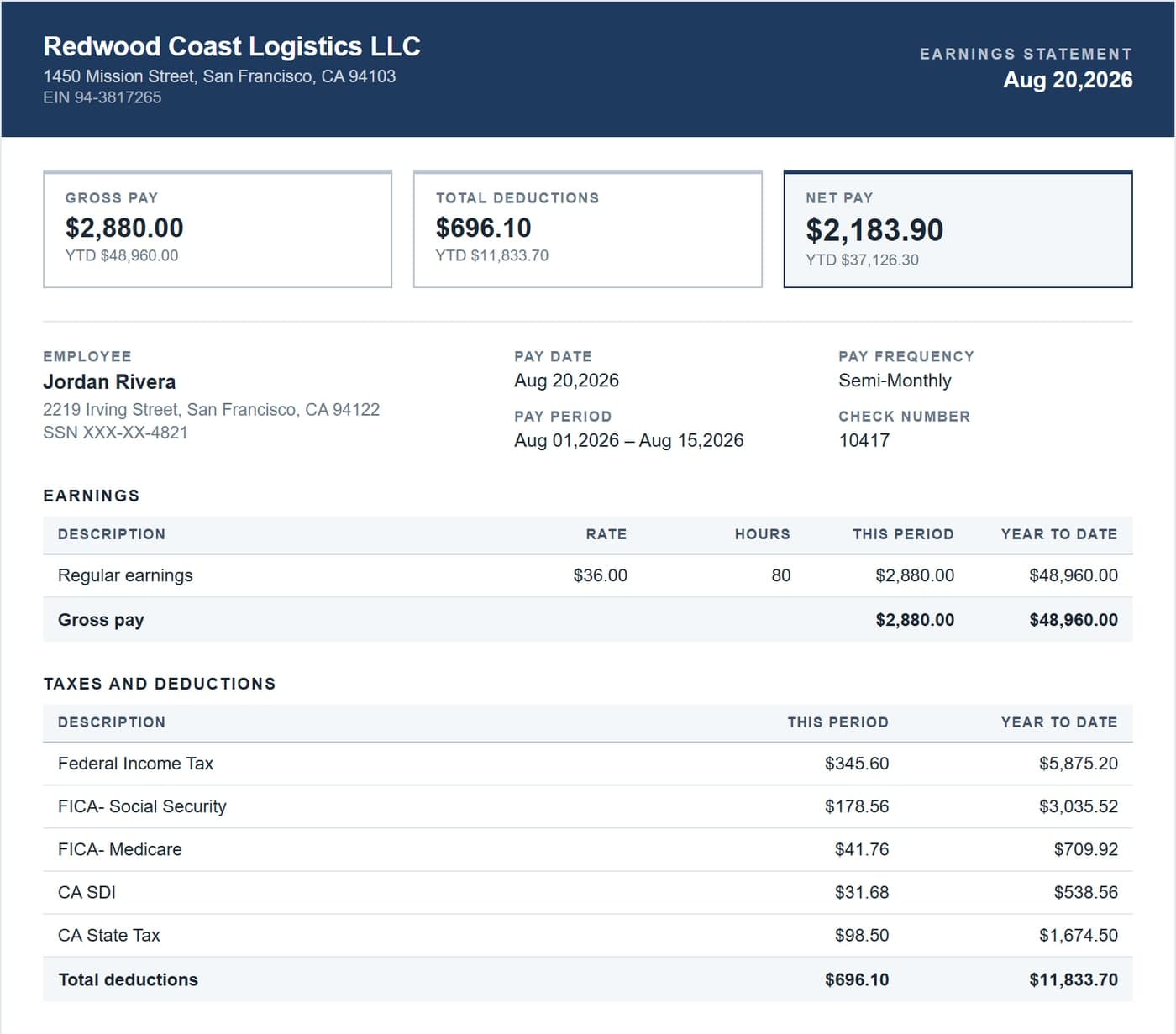
See exactly what you'll get — before you pay
Every Paystub Form PDF is structured the way banks, lenders, and landlords expect to see it — clean, itemized, and ready to print.
Year-end W-2s, calculated the same way
Enter each employee's yearly pay and get a finished Form W-2 with federal, Social Security, Medicare and state boxes filled in, plus all six copies in one PDF.
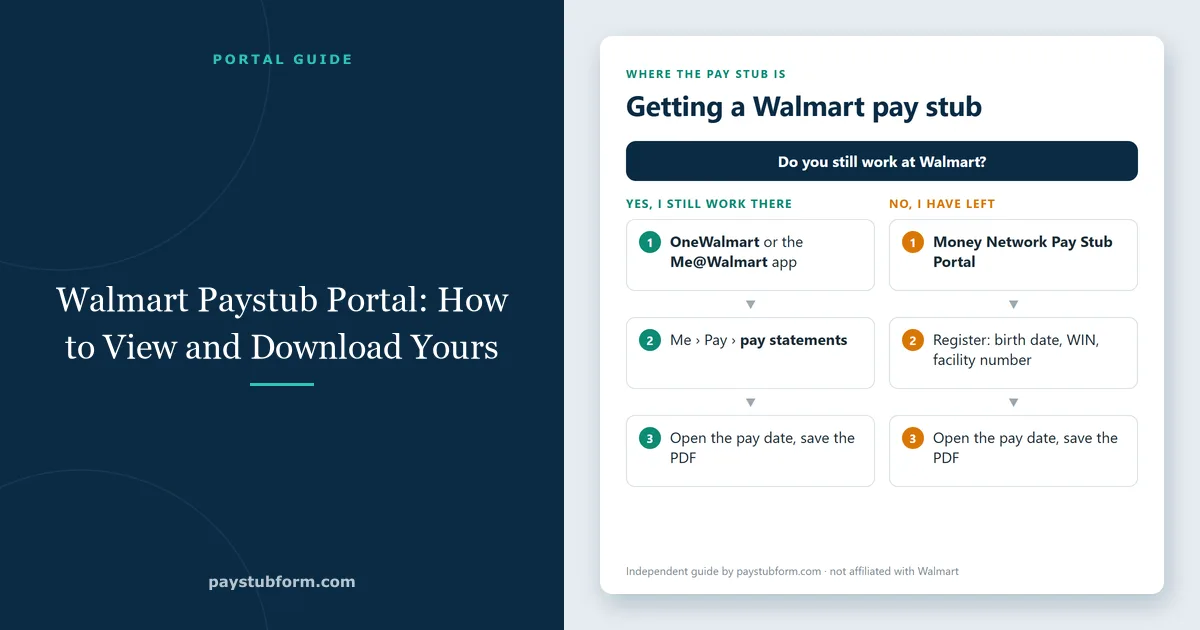
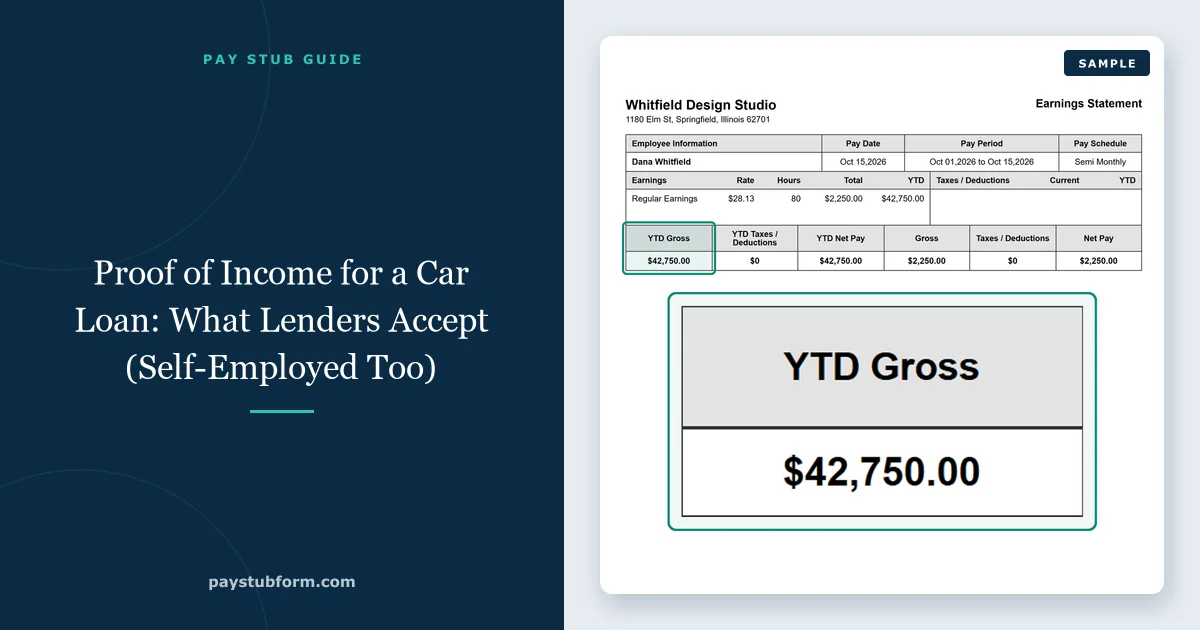
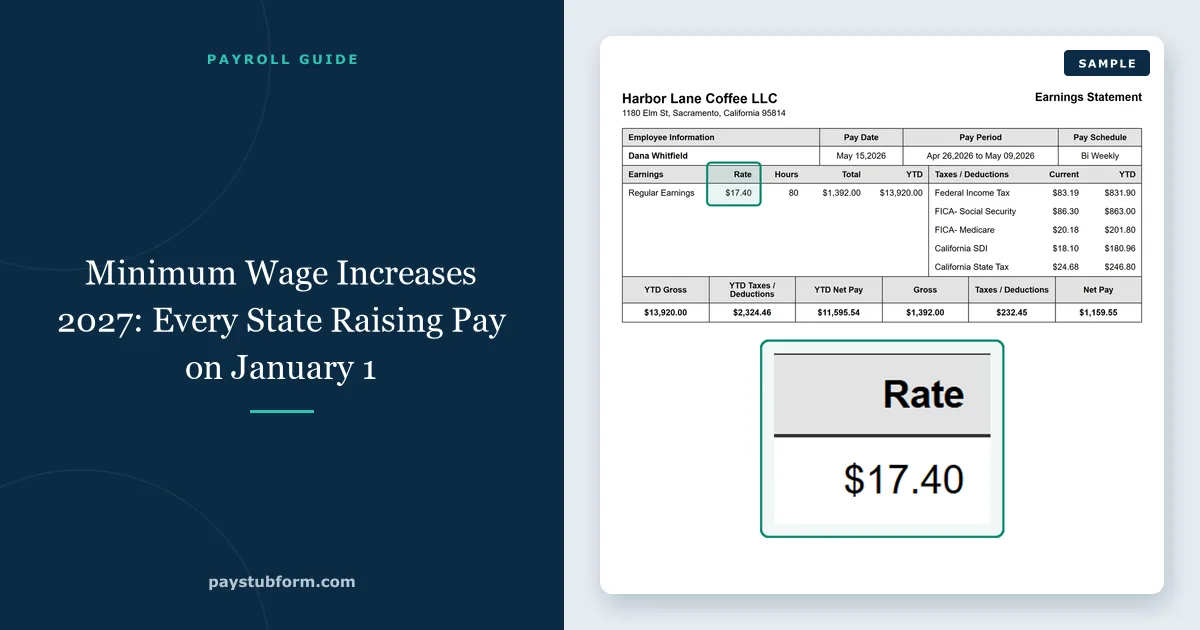
One flat price. Everything included.
No subscriptions, no hidden fees — every pay stub includes the full set of tools below.
Built for your own records
Paystub Form is a document-preparation tool for real payroll information — your business's employees, your own self-employed income, or a stub you need to reproduce for your files. Entering figures that misstate actual income or employment, or creating a document in someone else's name, to obtain a loan, mortgage, rental, credit or benefit is fraud. It is prohibited here: we suspend accounts we believe are being used that way. The full terms are in section 3 of our Terms of Service.
Rate your experience with Paystub Form
Used Paystub Form? Tell others what you think on Trustpilot.
Frequently asked questions
How much does a pay stub cost?
$5.99 for one pay stub. It's a single charge for the document you download — there's no subscription, no monthly fee and no charge for previewing your stub first.
Can I see my pay stub before I pay?
Yes. Enter your details and the finished stub appears on screen with every figure calculated, before any payment. You only pay when you're satisfied with it and want the print-ready PDF.
Are the tax calculations accurate?
The federal figures follow the IRS withholding method in Publication 15-T, Social Security and Medicare follow the rates and wage base the SSA sets for the year, and each state's income tax uses that state's own published withholding tables — including the extra payroll programs some states run, such as California SDI, New Jersey FLI and SUI, and Hawaii TDI.
What the calculation can't know is anything you don't enter: a second job, a mid-year raise, or a W-4 setting we weren't told about. Paystub Form is a document-preparation tool, not tax advice — for filing or an unusual payroll situation, check with an accountant.
Which states do you support?
All 50 states and the District of Columbia. That includes the no-income-tax states, where the stub correctly shows federal withholding and FICA only, and the states with extra payroll taxes on top of income tax. You can see the rules that apply where you are on our state-by-state pages.
Do I need to create an account?
No. You can fill in the form, preview your stub and check out without registering. You'll need to give an email address so the finished PDF can be sent to you — an account is optional, and only useful if you want to come back to your past stubs.
Is it legal to make your own pay stub?
Yes — creating a pay stub that documents pay you actually received, or actually paid someone, is ordinary record-keeping. Employers, freelancers and small businesses do it every day, and many small employers have no payroll software producing one for them.
What is not legal is using a pay stub to state income that was never earned — to get a loan, a lease or a benefit. That's fraud, whatever tool produced the document, and our Terms of Service prohibit it. Everything you enter here should be true.
What do I get when I pay?
A print-ready PDF of your pay stub, available to download immediately and emailed to the address you gave. It's an ordinary PDF — you can print it, attach it to an application, or keep it with your records.